Target (Web)
A shopping path that knows where your store is
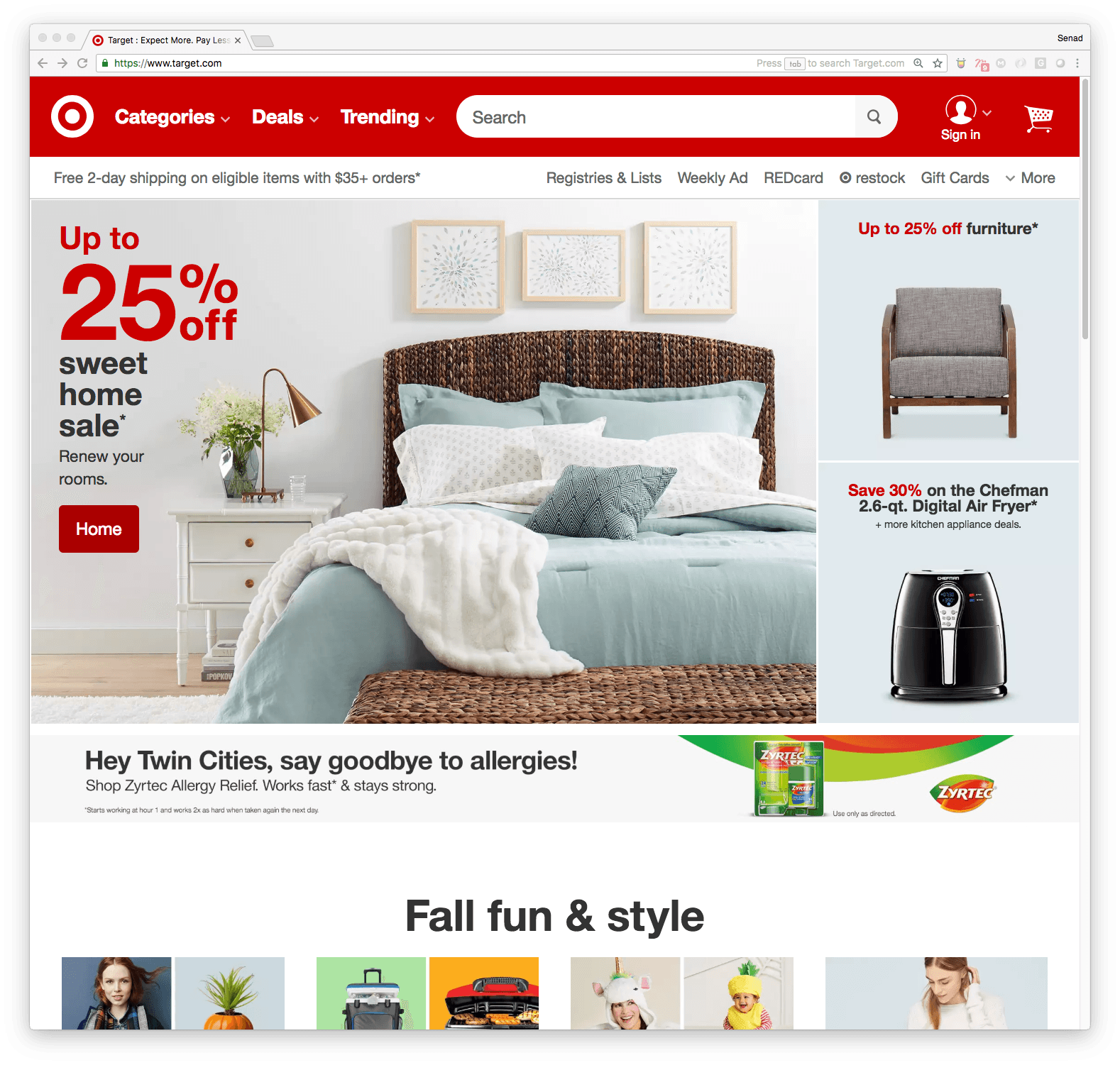
Target sells through nearly two thousand stores and one website, and most of its shoppers use both. They browse online and collect in person, or check a shelf from the sofa before driving over. The work shown here follows a single purchase across five pages. Our part of it was the category page layout and the pieces that bring the shopper's local store into the path: the in-stock filter and store picker on listings, the delivery and pickup choice on the product page, and the switch between them in the cart.
A general retailer's website carries everything from furniture to allergy medicine, for shoppers who may want it shipped, want it today, or only want to know if it is in stock nearby. Each page has to serve all three without asking the shopper to declare which one they are. The path also has to stay short. Every added decision between a product and the cart is a place to leave.
The pages sit inside Target's existing header and templates. Our work was the category page that leads into the path, and the points along it where the shopper's own store comes into play.
The category page edits a large department down to a few ways in.
The local store appears early and stays. A shopper can filter a listing to what is on the shelf nearby, choose pickup on the product page, and change their mind in the cart.
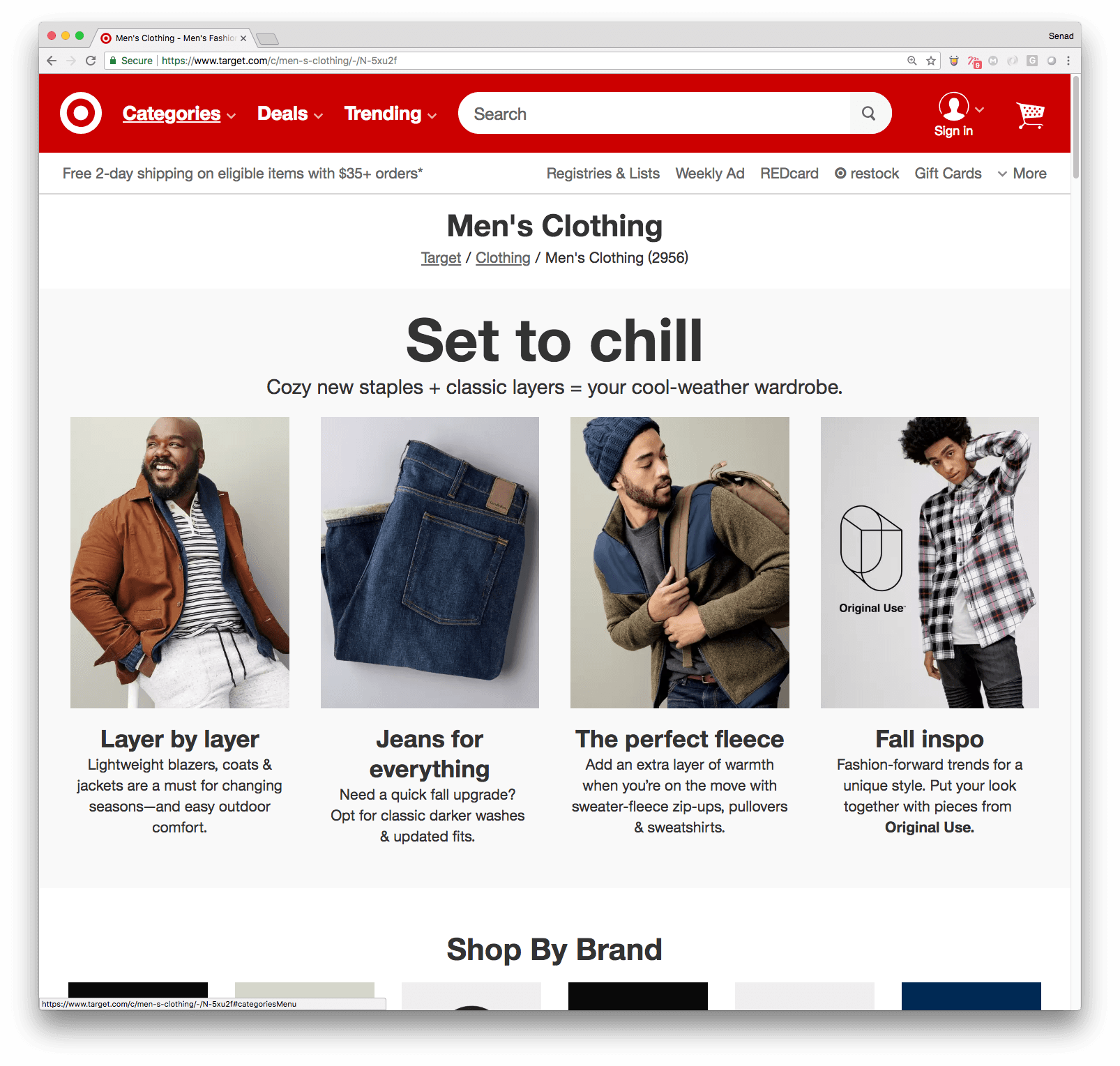
Men's Clothing holds close to three thousand items. The category page opens with four of them, chosen for the season and described in a sentence each, before offering brands and the full range.
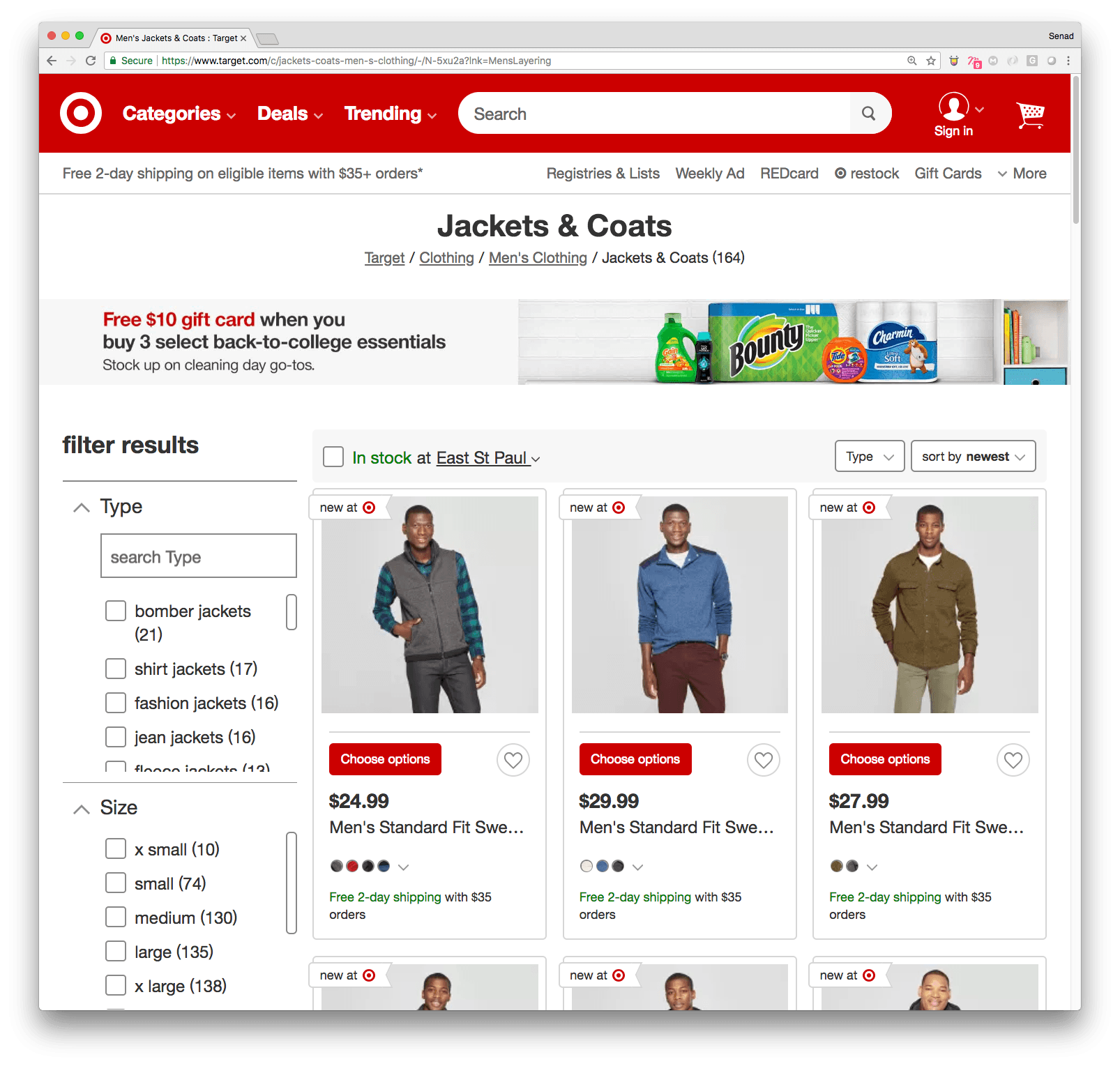
On the listing page, one filter sits apart from the rest, above the results: in stock at the shopper's own store. The store's name sits inside the filter, so a shopper can see which store they are checking and change it from the same place.
Two ways to get it
Once color and size are chosen, the product page presents delivery and pickup as equal options, each with its own date and its own button. Delivery states the day and the order deadline. Pickup names the store and how many are left.
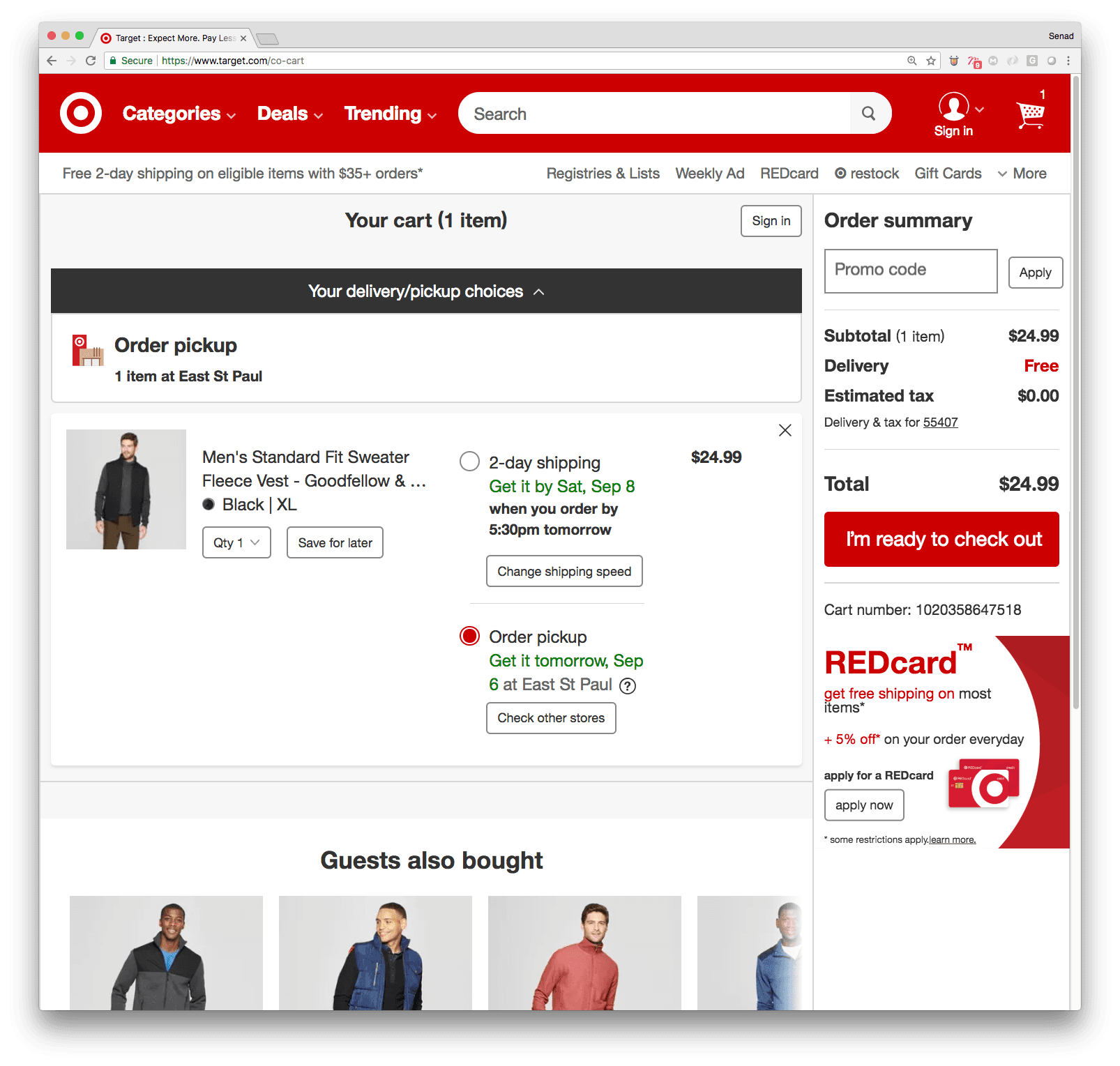
The cart repeats the choice in plain terms and lets the shopper switch between shipping and pickup without going back to the product page.
A shopper can go from the home page to a reserved item at their own store in five pages.
Have a project in mind?
We take on a limited number of projects each quarter. Tell us what you're building.
Get in touch →